
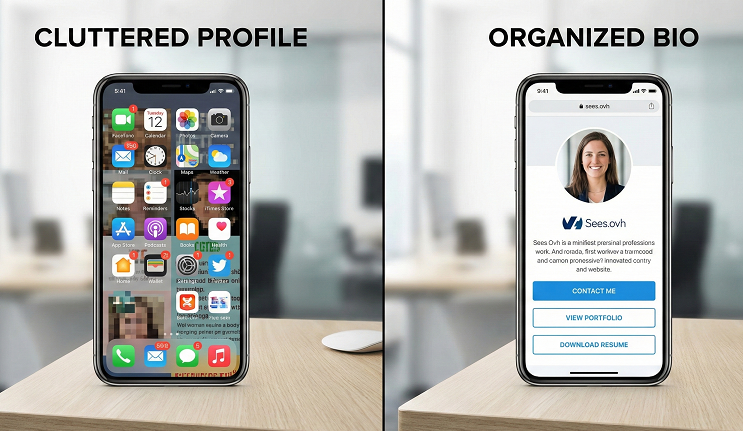
How to Build the Perfect "Link in Bio" Page for Your Brand
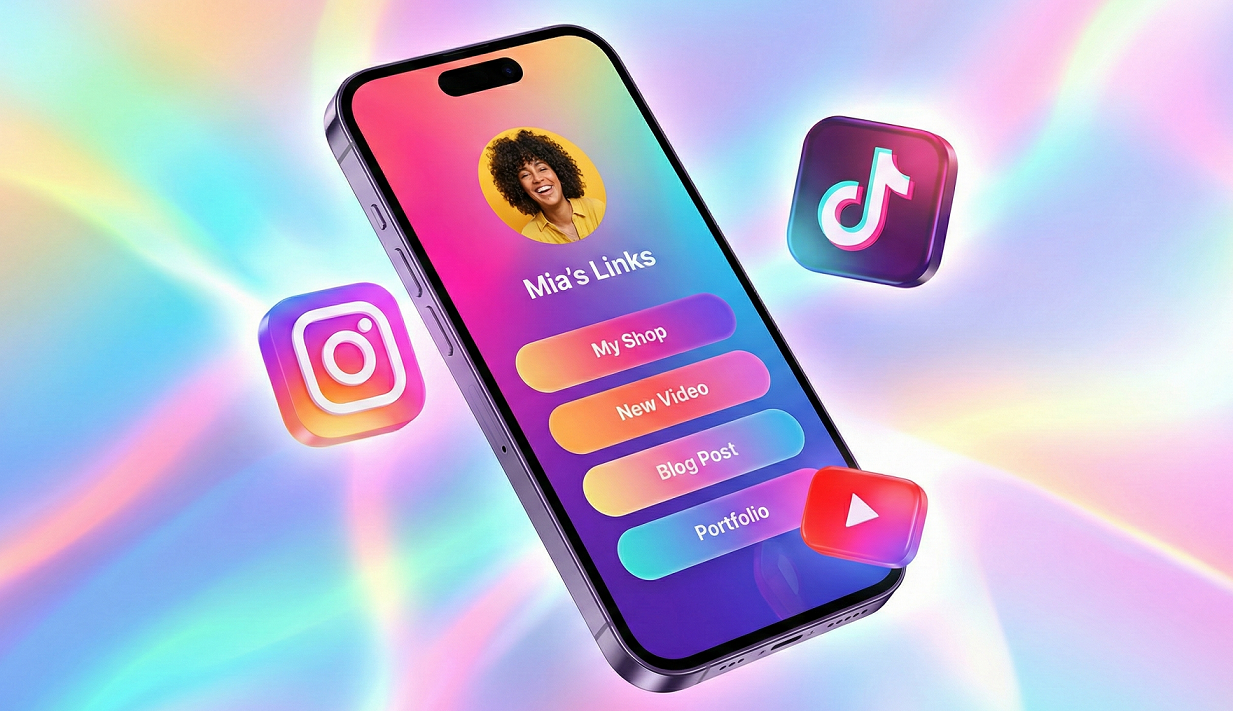
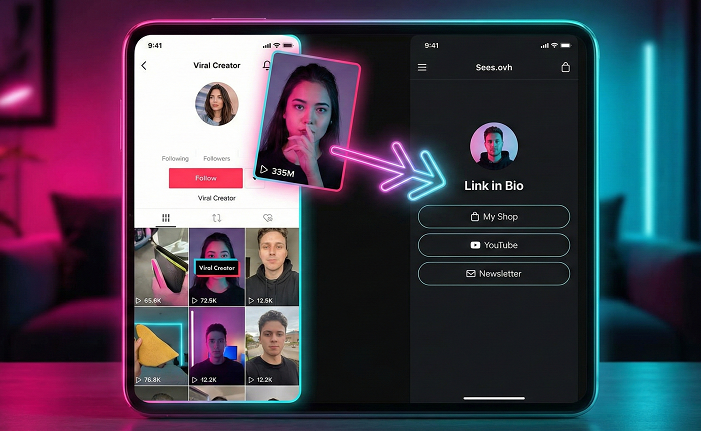
On platforms like Instagram and TikTok, you only get one shot to move your audience from "follower" to "customer." That shot is your Link in Bio.
In 2026, the digital audience is more selective than ever. If your bio link leads to a generic, slow-loading list of random URLs, you are losing money. A "Perfect" bio page acts as a mini-landing page that reflects your brand identity and guides users toward a specific action.
Here is the step-by-step blueprint to building a high-converting bio page using Sees.ovh.
1. Start with a "Visual Anchor"
Your bio page should feel like an extension of your social media profile, not a separate website.
The Profile Image: Use a high-quality logo or a professional headshot that matches your social profile.
The Hook: Include a 1-sentence bio at the top of the page. Example: "Helping 500+ small businesses scale with smarter links."
Consistency: Use your brand’s exact hex codes for buttons and backgrounds. On Sees.ovh, you can customize these colors to ensure a seamless transition for the user.
2. Use the “Hierarchy of Importance”
Don't overwhelm your visitors with 20 links. Stick to the Rule of 5.
The Primary Goal: Your latest launch, sale, or lead magnet. Use a shaking or animated button (available in Sees.ovh) to draw the eye here.
The "Always-On" Services: Your main website or shop.
The "Bingeable" Content: Your YouTube channel or Blog.
Social Proof: A link to your testimonials or a "Press" page.
Contact/Support: An easy way for people to reach you.
3. Integrate Tracking Pixels (The Secret Sauce)
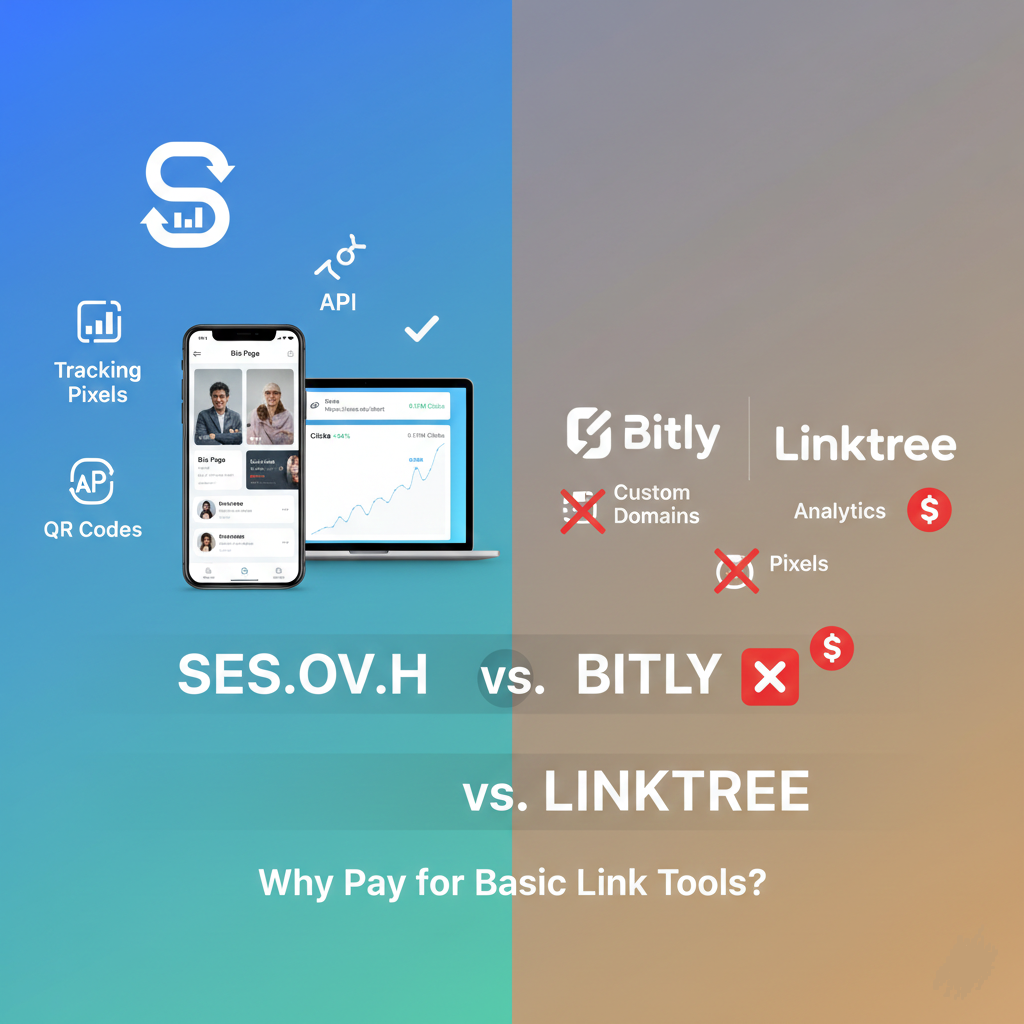
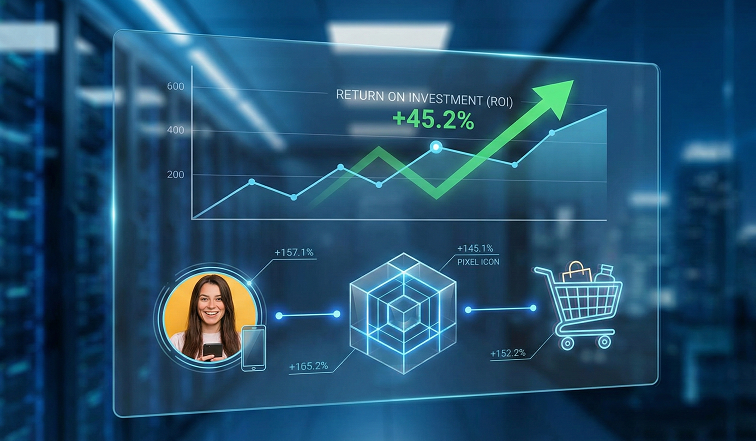
This is where most creators fail. If you use a standard link-in-bio tool, you have no idea who is visiting your page unless they buy something. By building your page on Sees.ovh, you can drop a Facebook, TikTok, or Google Pixel into the page for free. This allows you to:
Retarget visitors with ads later.
See exactly which platforms (Instagram vs. TikTok) are sending the highest-quality traffic.
Build "Lookalike" audiences for your next ad campaign.
4. Add "Trust Signals" and Social Icons
At the bottom of your page, include clean, recognizable icons for your other social channels. This keeps users inside your "ecosystem." If they aren't ready to buy from your link yet, they might follow you on YouTube or join your Discord.
5. Use a Branded Domain
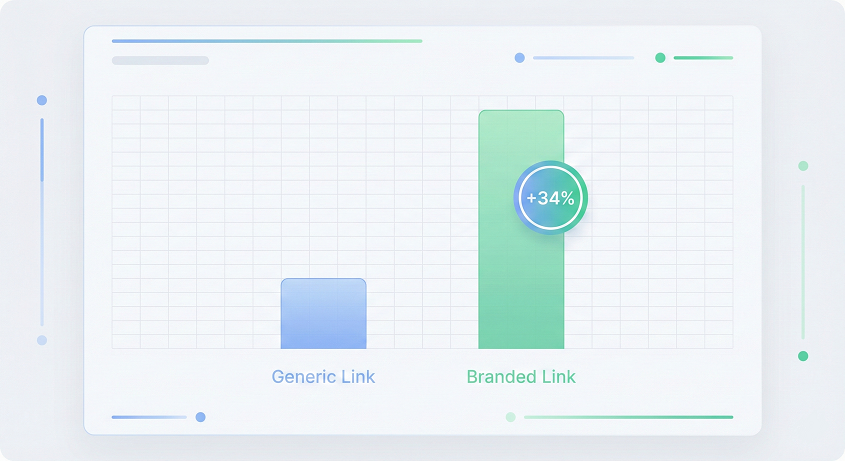
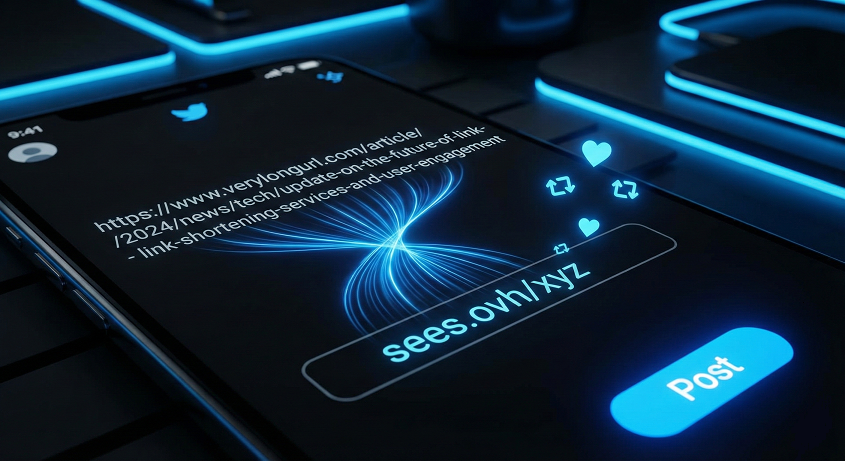
Nothing says "unprofessional" like a long, messy URL. Instead of linktr.ee/username, use a branded domain like links.yourbrand.com. Sees.ovh allows you to connect your Custom Domain for free, which instantly boosts your brand authority and ensures that your brand name is the first thing people see in the URL bar.
The 2026 Conversion Checklist
Before you hit publish, ask yourself these three questions:
Does it load in under 2 seconds? (Sees.ovh is optimized for lightning-fast mobile loading).
Is the most important link at the top?
Is my tracking pixel active?
Conclusion: Your Bio Link is Your Digital Business Card
Stop treating your bio link as an afterthought. It is the bridge between your content and your revenue. With Sees.ovh, you can build a professional, data-tracking, branded bio page in less than 5 minutes—for free.
Ready to build your brand hub?
[ Build My Bio Page on Sees.ovh ]